
Record voice notes with the iPhone Action Button
Your iPhone's Action Button can be a voice note button. Press and hold it, say what you want to remember, and Memory Notes saves your words as a note with a transcript. There's no need to find the app first.
Updated October 29, 2026
What you need for Action Button voice notes
- An iPhone with an Action Button: iPhone 15 Pro, iPhone 15 Pro Max, or any iPhone 16 or 17 model.
- iOS 26 or a later version.
- Memory Notes from the App Store. Open the app once and allow microphone access.
Set up your Action Button
- Open Settings and tap Action Button.
- Swipe through the choices until you find Controls.
- Tap Choose a Control, search for Memory Notes, and select Record Memory.
- You're done. Leave Settings.
Settings
- Action Button
- Controls
- Choose a Control
- Record Memory
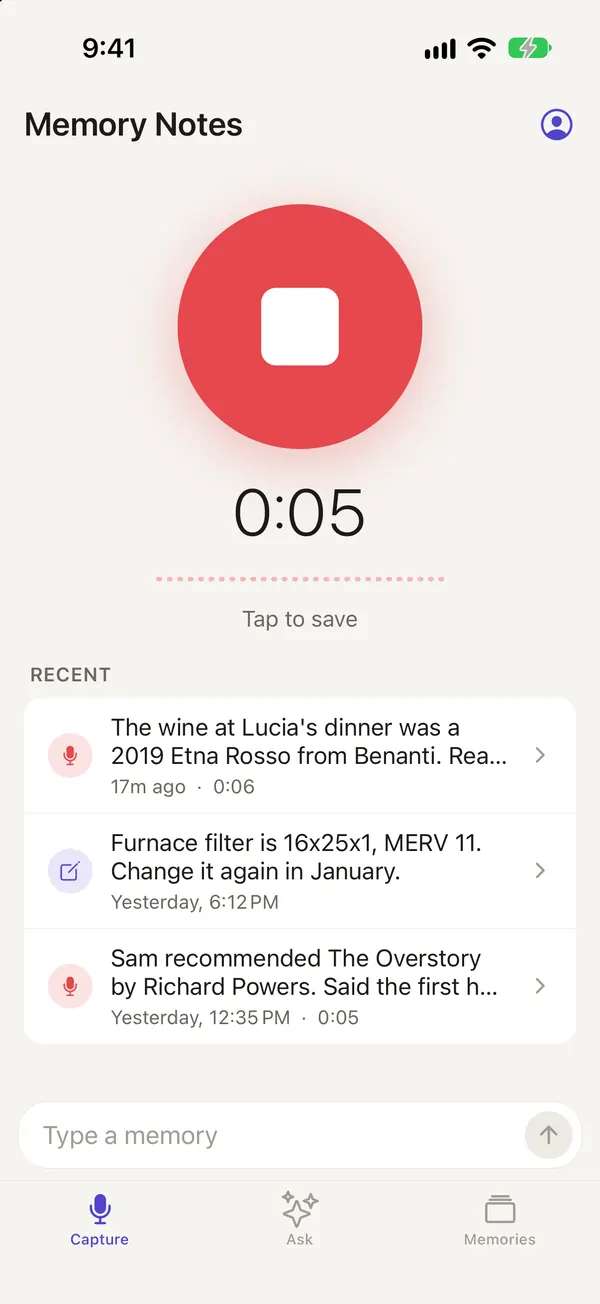
Then press and hold the Action Button to record. Press and hold it again, or tap Stop, to save.
Record a voice note
- Press and hold the Action Button. Memory Notes will open and begin recording.
- Say what you want to remember, as if you were telling a friend.
- To save, press and hold the Action Button again or tap Stop.
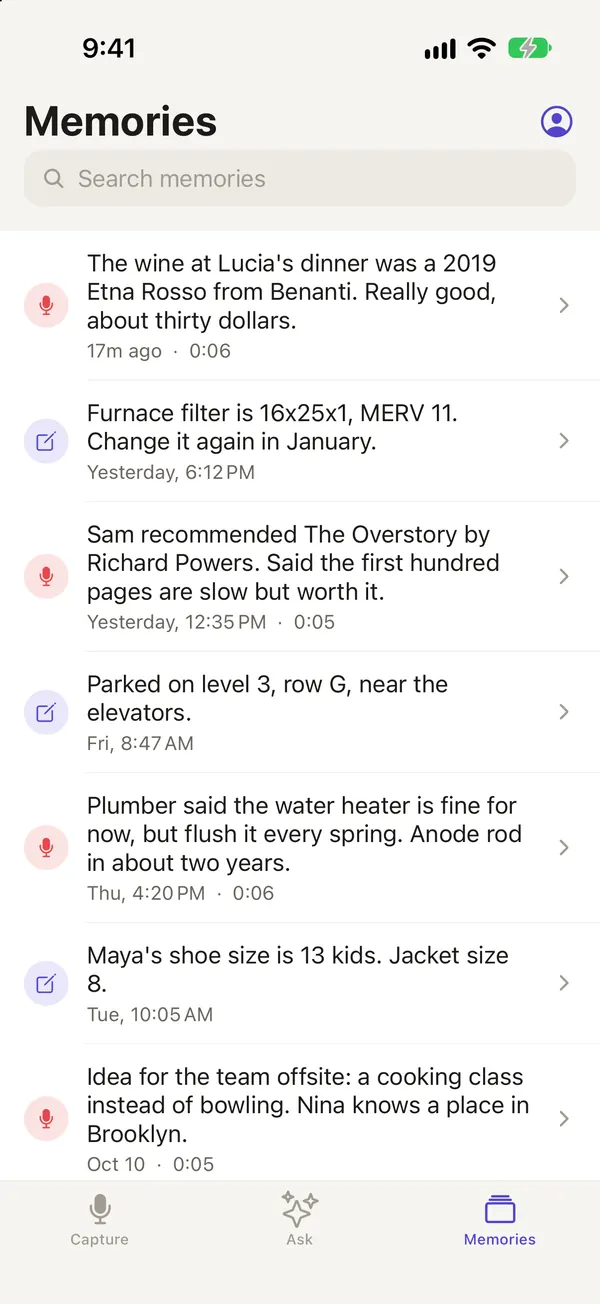
Your note is saved on your iPhone right away and transcribed on the device. When you're signed in, it also syncs to your account. A clearer transcript may replace the first one a moment later.
What to say in a voice note
Keep it short and specific, using words you'll want to search for later. Here are a few examples:
I parked on level 3, row G, by the elevators.
Maya wears a size 7 shoe. She likes the white Vejas.
The plumber said the water heater is 11 years old. The anode rod should be checked next spring.
If recording doesn't start
- Can't find Record Memory in the controls list? Open Memory Notes once, then try again.
- If you see "Microphone access is off", go to Settings → Memory Notes and turn on Microphone.
- When a phone call or another app is using the microphone, iOS won't let recording start. Try again once the microphone is free.
- If your device has no Action Button, see Other ways to capture a note.
Questions
Which iPhone models have an Action Button?
The iPhone 15 Pro, iPhone 15 Pro Max, and every iPhone 16 and 17 model have one. Older iPhones and iPads don't, but you can use the Control Center control, the Lock Screen, Siri, or the app.
Can I use the Action Button when my iPhone is locked?
Yes. Press and hold the button on the Lock Screen to start recording.
Can I record without an internet connection?
Yes. Your iPhone handles recording and transcription. If you're signed in, your note will sync when you're back online.
Memory Notes for iPhone and iPad
Record a note by voice in a second or two, then find it by asking a question. Memory Notes answers from your notes and shows you the one it used. For iPhone and iPad.