
An iPhone and iPad app
Record a note by voice in a second or two, then find it by asking a question.
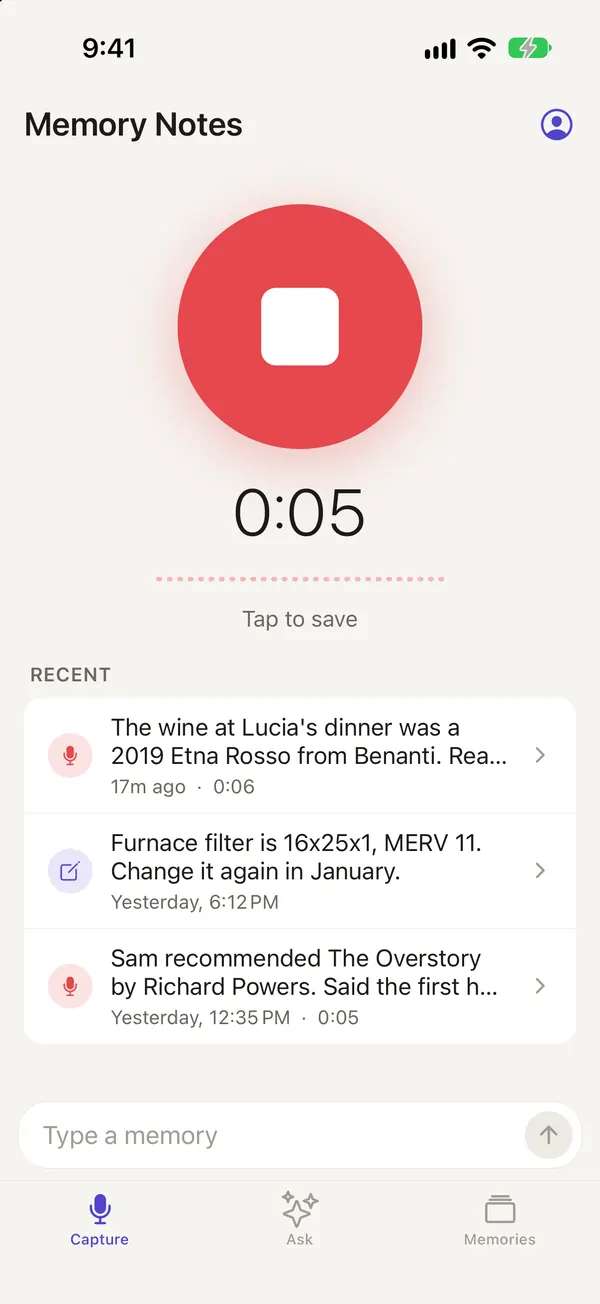
Tap record and say it: “The gate code at the cabin is 4471.” A month later, ask “What’s the cabin gate code?” Memory Notes answers from your notes and shows you the one it used.
You can set the Action Button on your iPhone to start a recording without opening the app first.
Here are a few things you might say into it
Examples
What was said, and what you’d ask later
 Text memory
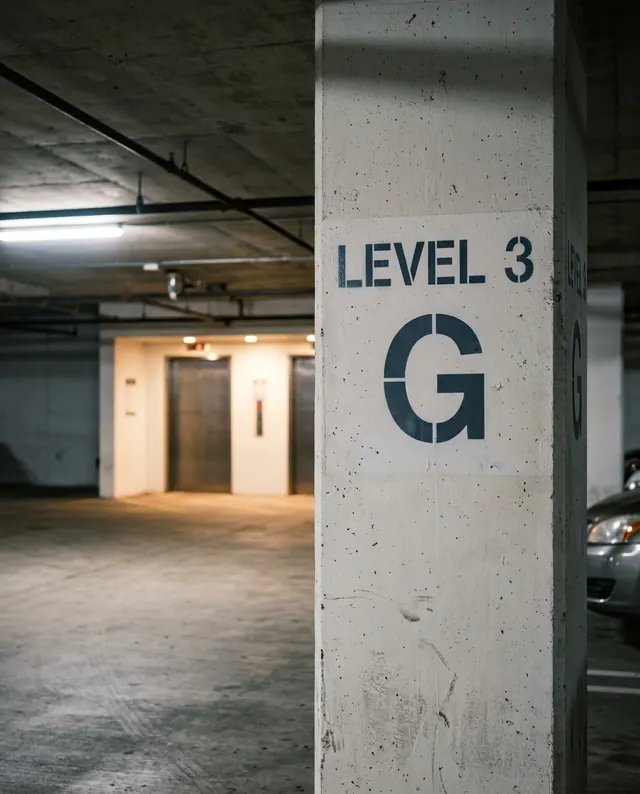
Parked on level 3, row G, near the elevators.
Fri, 8:47 AM
Asked later: Where did I park?
 Voice memory
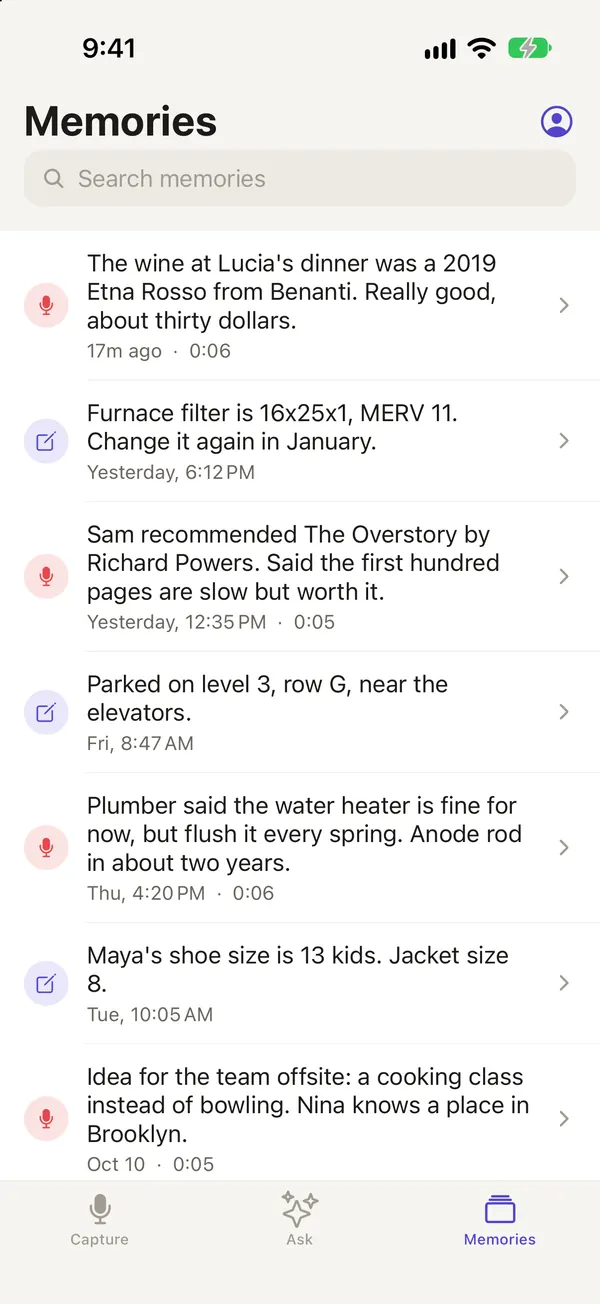
Sam recommended The Overstory by Richard Powers. Said the first hundred pages are slow but worth it.
Yesterday, 12:35 PM · 0:05
Asked later: What was the book Sam told me about?
 Voice memory
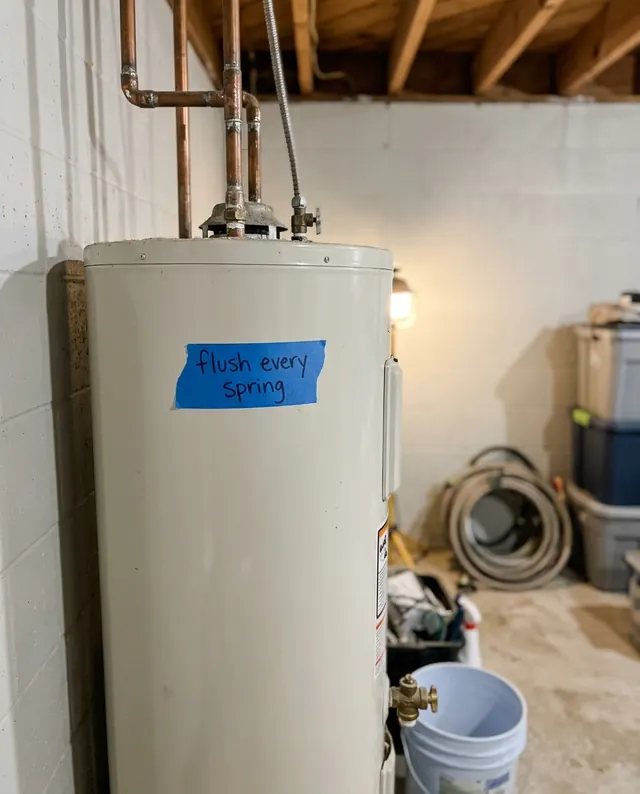
Plumber said the water heater is fine for now, but flush it every spring. Anode rod in about two years.
Thu, 4:20 PM · 0:06
Asked later: What did the plumber say about the water heater?
 Text memory
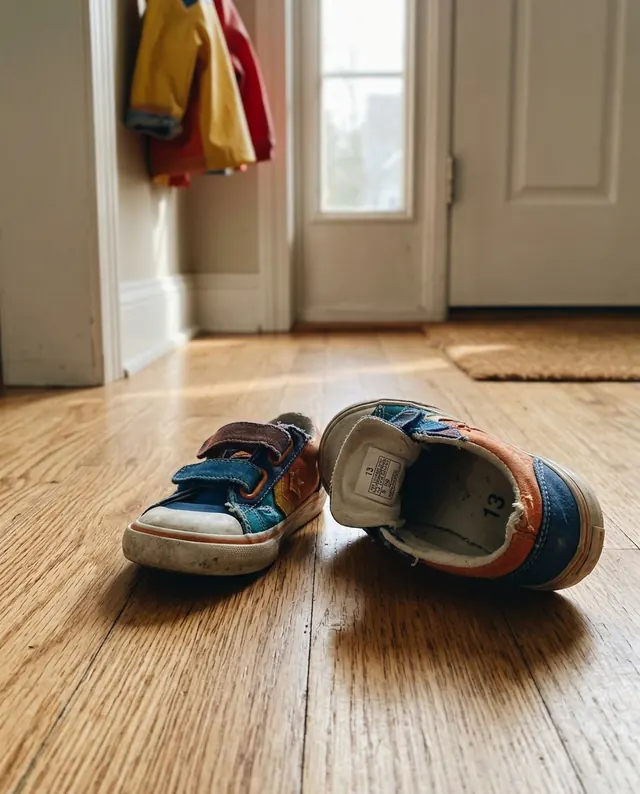
Maya's shoe size is 13 kids. Jacket size 8.
Tue, 10:05 AM
Asked later: What size shoes does Maya wear?
 Voice memory
The wine at Lucia's dinner was a 2019 Etna Rosso from Benanti. Really good, about thirty dollars.
17m ago · 0:06
Asked later: What was the wine at Lucia's?
From the founder
I was getting really tired of forgetting small, key things. Small things I meant to write down but never did. So I looked for an app that provided a zero-friction way to record notes by voice, and then allow me to search for them later. That’s it!
But when I looked, every app I found was either bloated, or you had to press multiple buttons just to save a note. And the search capabilities left a lot to be desired.
So I built this app just for that, and I’ve found it to be indispensable. I hope you do too!
Aris
Save notes with zero friction
Step 1: Open the app and tap record
Or set up a shortcut: the Action Button on your iPhone, the Record Memory control in Control Center, or Siri. With the Action Button set up, you press and hold it to start recording, even if the app was closed.
Step 2: Record your note
You can talk for up to five minutes. Or type it, if that's easier where you are.
Step 3: Tap Stop when you're done
If you started with the Action Button, press and hold it again. A moment later it's text, and you can fix any word it got wrong.
To use the Action Button, open Settings › Action Button, swipe to Controls and pick Memory Notes › Record Memory. The app shows you how the first time you open it. iPads don’t have an Action Button, so use Control Center or Siri there.
Search through your notes with a question
Type a question and you get a short answer with numbers in it, like footnotes. Tap a number to see the note it came from and the date you saved it.
If Maya’s shoe size was 12 in the spring and 13 now, it says 13 and tells you it changed. It knows when you saved each note, so you can ask about dates. When nothing you saved answers the question, it says so.
Ask needs an internet connection and an account (sign in with an email code).
Ask
What size is the furnace filter?
16x25x1, MERV 11. You also said to change it again in January.1
1Text memory · Yesterday, 6:12 PM
Furnace filter is 16x25x1, MERV 11. Change it again in January.
7 days free, then a monthly plan
For the first 7 days you can use all of Memory Notes, with no card needed. After that, pick a plan to keep recording and asking.
right for most people
Regular
$1.99/month
- Up to 200 notes a month
- Up to 150 searches a month
About 6 notes and 5 questions a day.
Heavy
$4.99/month
- Up to 1,000 notes a month
- Up to 300 searches a month
About 33 notes and 10 questions a day.
A note is anything you save, by voice or text. A search is a question you ask, in the app or from an assistant you’ve connected.
Limits reset on the 1st of each month. Both plans are monthly, and you can cancel any time in your Apple ID settings. If you don’t subscribe after the trial, you can still read, edit and delete the notes you already have.
Where your memories go
Read the privacy policy- With an account, your notes and recordings are stored on our servers so they sync to your other devices.
- Transcription happens on your iPhone or iPad. When you're signed in, an AI service checks each transcript for likely mistakes. If it finds some, the recording is sent to ElevenLabs for a more accurate transcript, and OpenAI fixes misheard words and self-corrections. The corrected text replaces the original, unless you've already edited the note.
- When you ask a question, your question and the text of your notes are sent to our AI providers to find the answer. The same applies when an assistant you've connected searches your notes.
- No ads, no analytics or crash-reporting code, and we never sell your data.
Integrate with Claude or ChatGPT
Connect Claude or ChatGPT and it can search your notes while it helps you, say to plan meals around “Leo is allergic to peanuts.” It can only read them unless you also let it add notes. You can disconnect it from the Account screen in the app.
How to connect an assistantQuestions
Which iPhones and iPads does it work on?
Do I need an account?
Does it work offline?
Can Ask get things wrong?
Can I edit or delete a memory?
How much does it cost?
Try now for free
Free for 7 days, then from $1.99/month.